Product · Ingenzio
ProjectMesh
The project, written down where agents can read it.
- Status
- Live in early access
- Agents
- Claude Code, Codex, any MCP client
- Interface
- A web app, plus an MCP server with eight tools
- Built by
- Ingenzio
Agents start every session from nothing. We kept pasting the same background into new sessions: which repository does what, the rules, the decisions we'd already made. And when work spans several repositories, an agent in one has no idea what's happening in the others. ProjectMesh is the shared layer that sits above your repositories and holds the project itself.
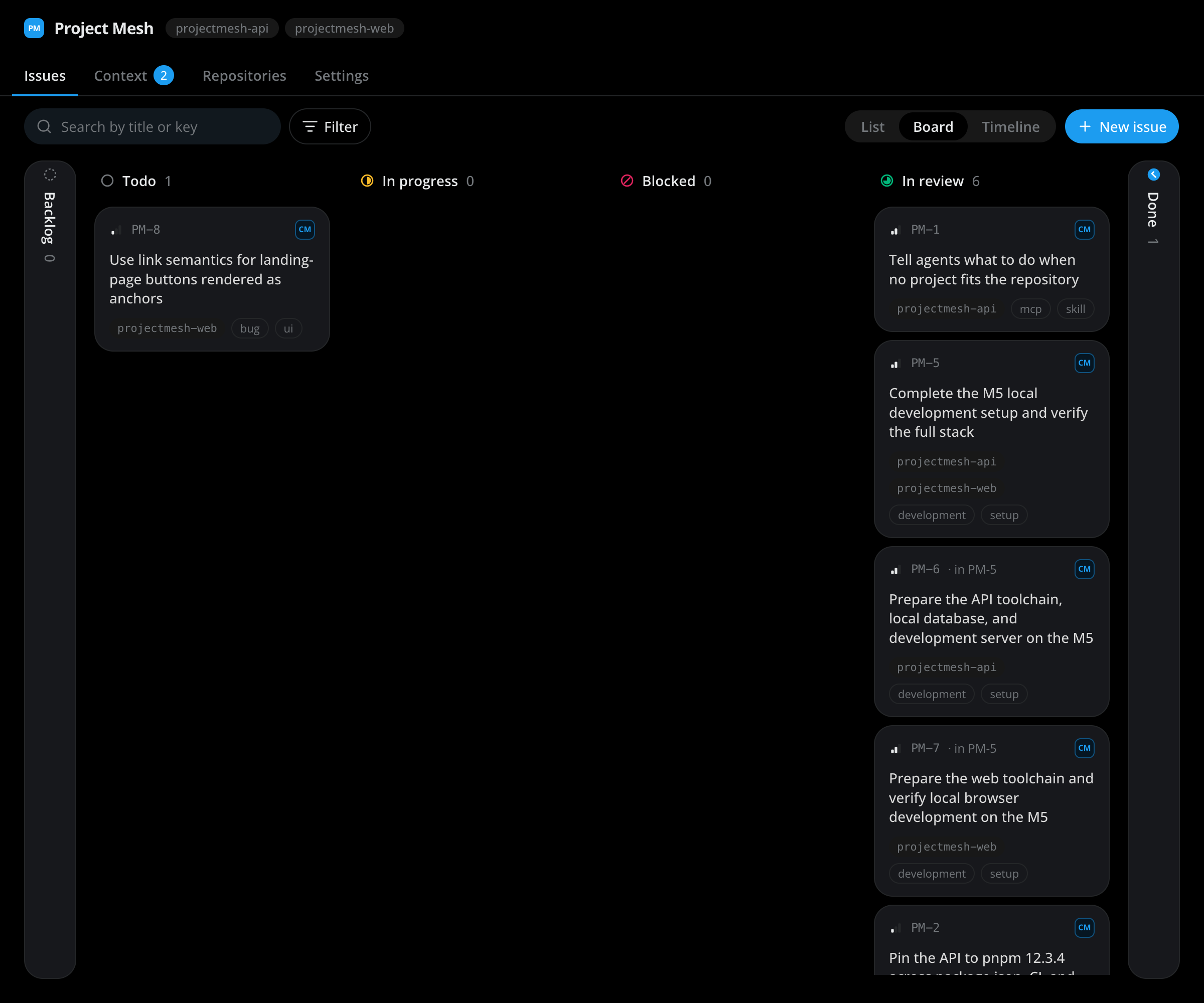
One document every agent reads first.
Each project has one context document. Agents read it first, with a single MCP call, before they touch any code. People write it. When an agent notices something out of date, it proposes a change with a reason, and someone on the team accepts or rejects it. Every version is kept.
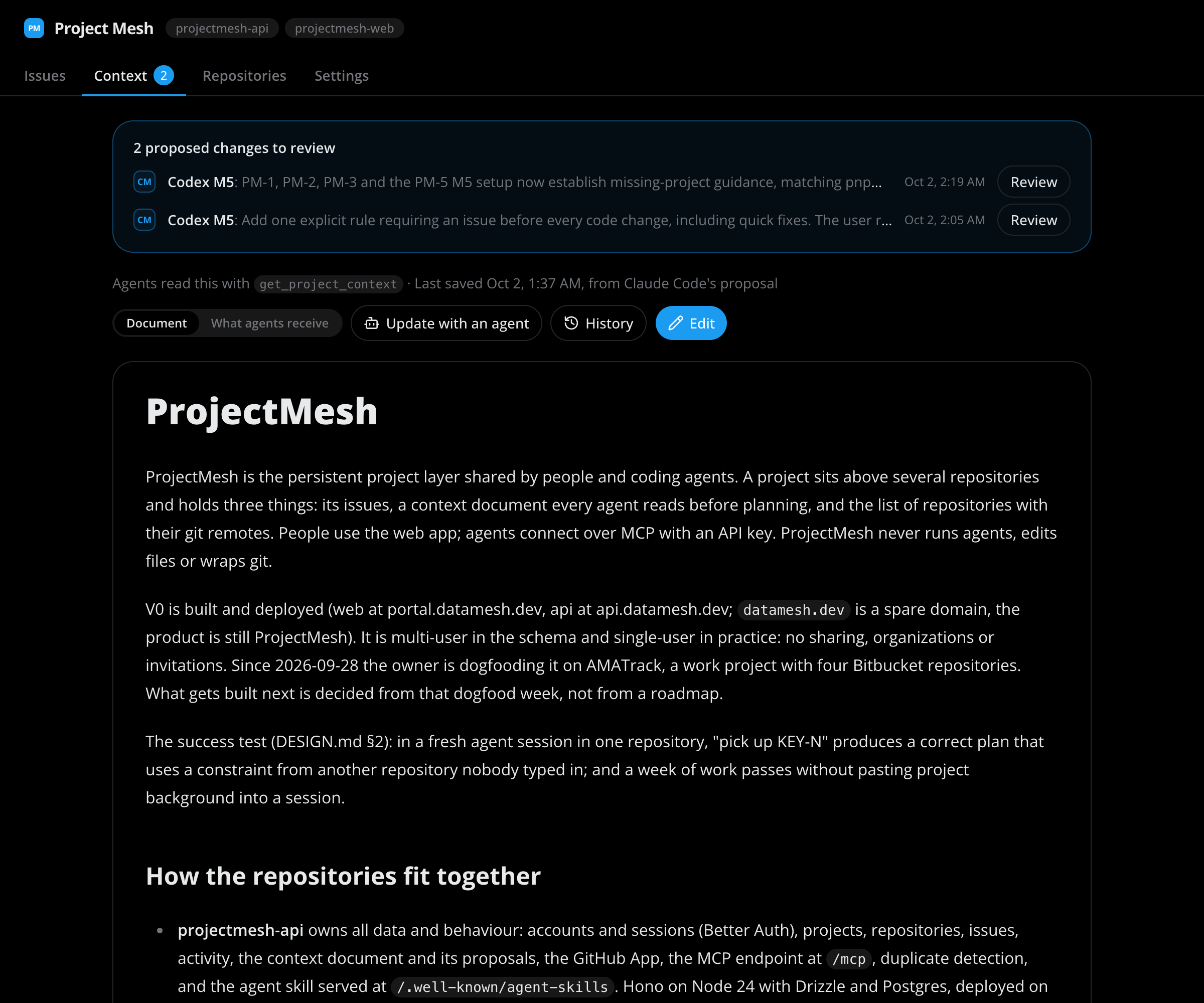
Work that spans repositories.
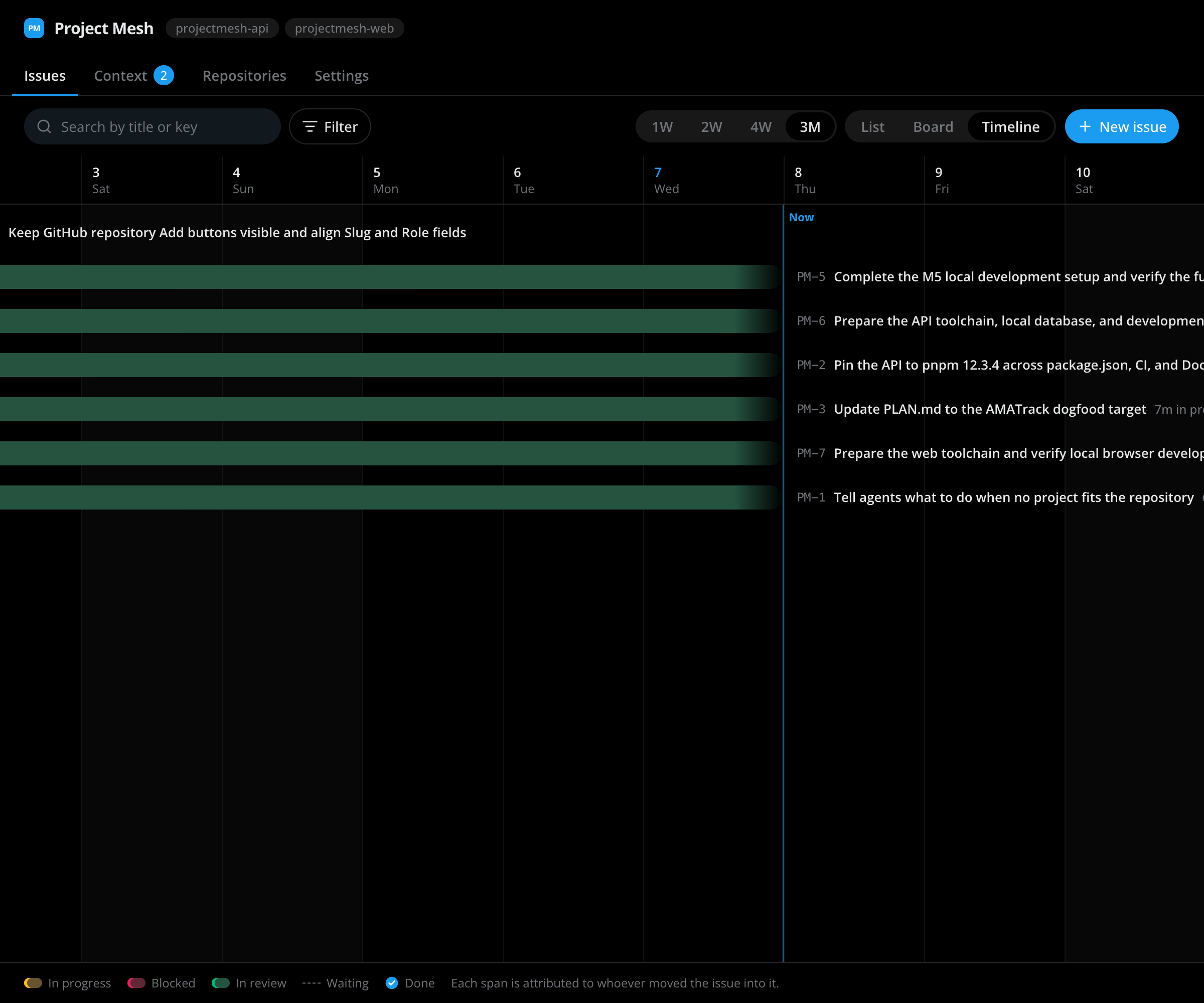
Issues can span repositories and have subtasks, priorities and labels. You can look at them as a list, a board or a timeline that shows how long each one was in progress, blocked or in review. Agents pick them up and move them like anyone else.
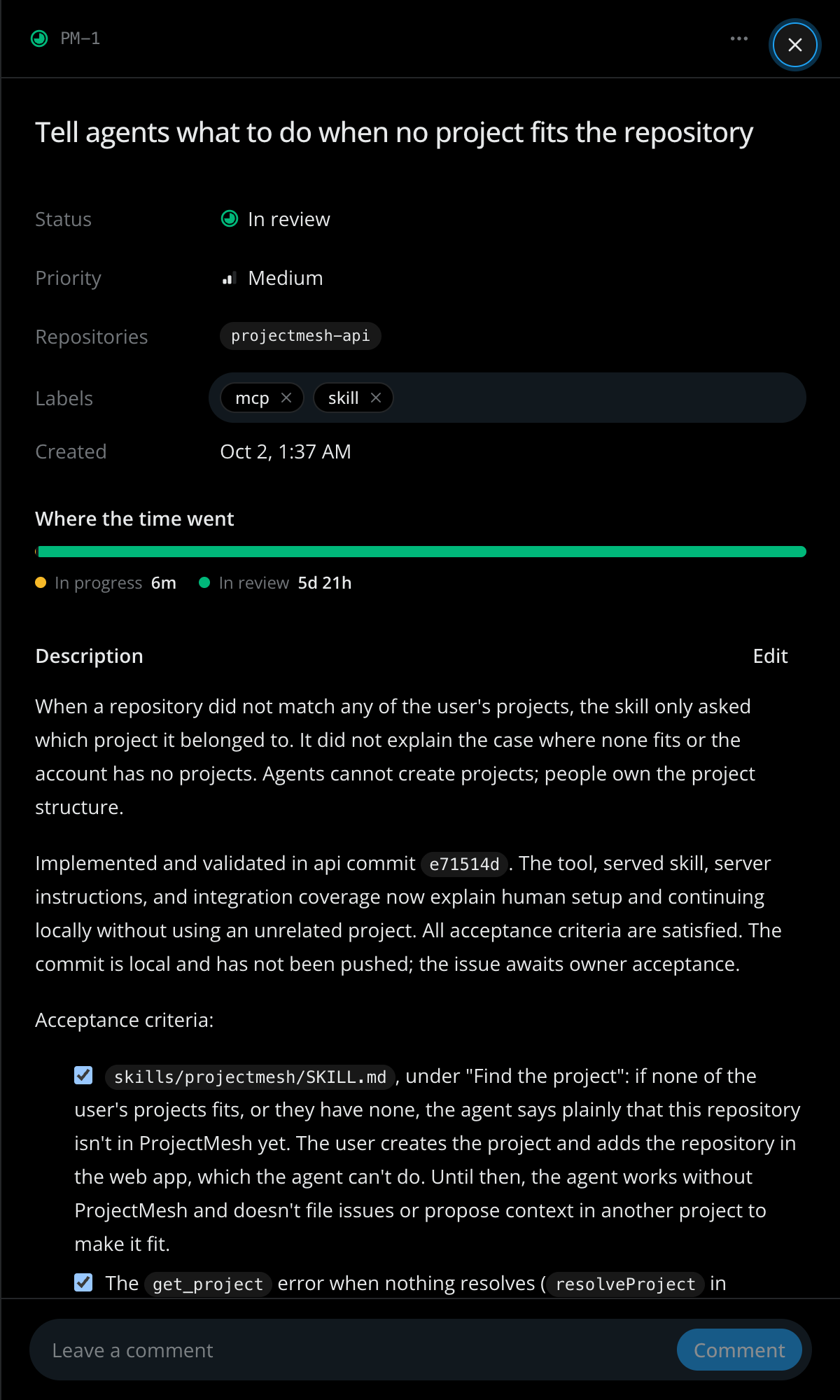
Any MCP agent, from any repository.
Any agent that speaks MCP can connect: Claude Code, Codex and others. It finds the right project from the git remote of the repository it's in, so nothing has to be added to your code. ProjectMesh exposes eight tools, from reading the project context to filing an issue or proposing a context change.
A name on every change
Each agent gets its own key. Every status change and comment is recorded against it, so you always know whether something moved because of you or because of an agent, and which one.
fig. 3.1 — the MCP interface, all eight tools
select a tool
→ get_project_context({ project: "HBR" })
# Harbor (HBR)
## Repositories
- **harbor-api** (backend) — Hono, Postgres
- **harbor-web** (frontend) — React
- **harbor-mobile** (mobile) — React Native
- **harbor-infra** (infrastructure) — Terraform, workers
## Rules
- harbor-api owns every write. harbor-web and harbor-mobile never touch the database.
- API changes stay backward compatible for two mobile releases.
- Edit the schema in src/db/schema.ts. Never hand-edit generated migrations.
- Every endpoint that reads personal data has an integration test.
When an agent should ask first.in development
Some questions an agent shouldn't answer alone. Decision queues will let an agent stop, ask, and pick up again once a person has answered, and keep the answer for the next agent that needs it.
When a guest deletes their account, what happens to their past bookings?
Invoices reference bookings, and the monthly finance export reads them. Deleting bookings breaks both.
ProjectMesh is live in early access.
ProjectMesh is built by Ingenzio. We use it to build ProjectMesh and Gitta.